Mar
09

Firefox website cut to Konductor in less than 2 minutes

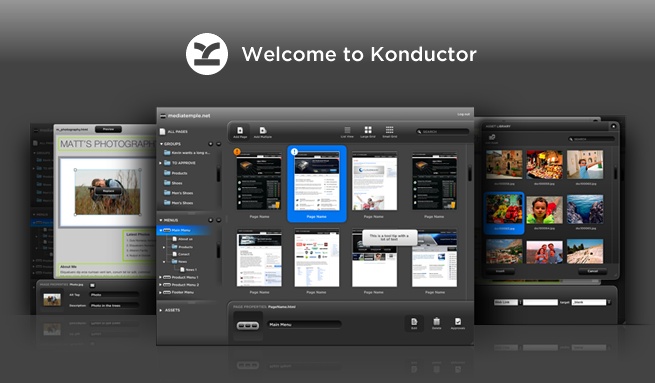
Just a quick post this time—we recently posted a video on YouTube showing how quick and easy it it to cut the Firefox website over to Konductor, complete with managed menus and styled regions with no modifcations to the code:

Below is all the major steps we took to make this video:

  1. Save the site using the “Save Complete” Firefox add on
  2. Add editable regions using Adobe Dreamweaver
  3. Modify content using the Konductor application
  4. Preview the results in Firefox

The video was actually bit over 5 minutes long, but we decided to speed it up a little and get the point across a little faster :P Also, one of the cooler aspects of the process was that DJ Earworm gave us permission to use “United States of Pop 2009 (Blame it on the Pop)” as the sound track to the video! Big thanks for letting us use your track! Be sure to check out his videos.


Responses

Well done!


Good job on the vid Andrew!


ace!


HI can’t seem to download the save complete am i a idiot where is the download spot seems it says that it is for older versions of firefox ideas


Hey Al, I just tried this in the lastest version of Firfox, and all is good – maybe they updated it. You’ll want to click the big green “Add to Firefox” button, like the one here: http://img.ly/Opq


rediculous – this video doesn’t tell me a thing about the software – it’s just flashing images.


Hi Deck,

This video was made more to show you how quickly you can cut a site to Konductor, not really to teach you the specifics. Hopefully you somewhat enjoyed the flashing images though… :)

But, we completely agree with you that we need to explain more in video form, so just for you we’ve created a good handful of video tutorials! Here’s some more info about them: http://blog.konductor.net/2010/07/06/konductor-video-tutorials/

Enjoy!


Leave a Response.