Posts tagged as tutorial

Jul
06

Konductor Video Tutorials

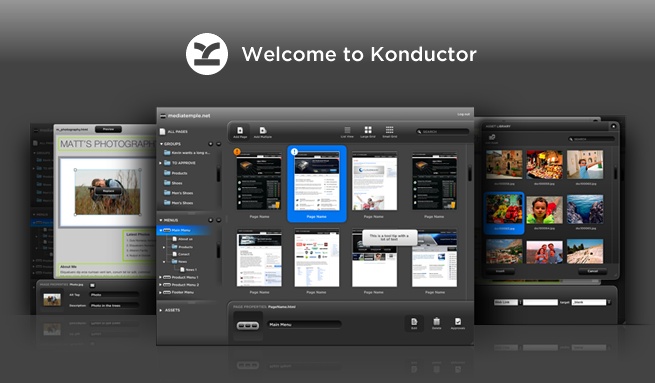
How does Konductor work? How can I make parts of my site editable? Can you manage menus dynamically? Questions like these are common to hear from designers new to Konductor. Yesterday, if you had asked us one of these questions, we would have sent you to our help documentation. Starting today we can now show you how to do what you need to do with Konductor.

Over the last few weeks we’ve produced a number of tutorial videos that we’re now pleased to release to you through our YouTube account. Everything from downloading the tools you need to how to work with links and anchors within content regions is covered. Here are two of the playlists we’ve put together, one for designers and one for your clients:

Designer tutorials playlist:

Client tutorials playlist:

We hope that you enjoy and learn lots from these videos. If you have any requests or suggestions for new videos, feel free to leave a comment. And don’t forget that we’re still here to help one-on-one as well, so if you have any questions that aren’t covered in a video, someone will be sure to get back to you pronto.


Jan
14

Konductor Dreamweaver Extension Update

Well, a lot has been happening behind the scenes with our Dreamweaver extension. We have recorded a quick little demonstration to show everyone just how easy it is get a Dreamweaver template onto the Konductor system. Check it out:

We will be releasing a new version of the extension soon as well, which will have refined menu styles for layout, form styles for layout, and added stability for the existing features.

Anyway, check out the video – it’s short, and shows just how easy it is to get your sites ready for Konductor. Plus, if you want to sign up to try it out, send me a line. (Make sure you leave the subject as is :P )


Oct
30

New Konductor Videos

In order to show you higher quality videos, we decided to start hosting our videos on motionbox, in addition to YouTube. And then HD arrived on YouTube. We also uploaded some new videos that demonstrate some of the features we are working on. Behold…

Image optimization

Image optimization is one of the most requested features we get from both users and designers. In order to upload a large image to a CMS these days, users are expected to resize the images themselves. This takes time, and if they are not tech savvy, it takes training too. In most cases, though, the image tends to get uploaded as is. The image just gets scaled, not resized – this takes the user a long time to upload, and visitors end up downloading huge image too. So here is what we have done:

Form Builder

Another highly requested feature is an easy way to build and manage forms. This is often more complicated than it seems on the surface, as database storage, result aggregation, email responses and the like all have be managed too. This one is still a bit of a work in progress, but here is what we have so far:

More videos are on the way! Plus if you missed our initial platform demonstration a couple of months back, make sure you check it out. (A lot has changed since then though…)