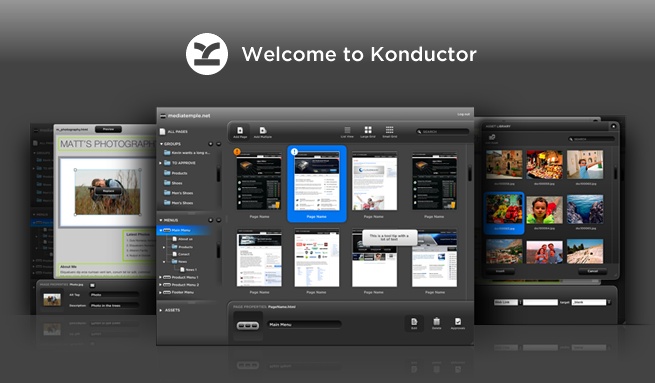
How does Konductor work? How can I make parts of my site editable? Can you manage menus dynamically? Questions like these are common to hear from designers new to Konductor. Yesterday, if you had asked us one of these questions, we would have sent you to our help documentation. Starting today we can now show you how to do what you need to do with Konductor.
Over the last few weeks we’ve produced a number of tutorial videos that we’re now pleased to release to you through our YouTube account. Everything from downloading the tools you need to how to work with links and anchors within content regions is covered. Here are two of the playlists we’ve put together, one for designers and one for your clients:
Designer tutorials playlist:
Client tutorials playlist:
We hope that you enjoy and learn lots from these videos. If you have any requests or suggestions for new videos, feel free to leave a comment. And don’t forget that we’re still here to help one-on-one as well, so if you have any questions that aren’t covered in a video, someone will be sure to get back to you pronto.